Outcome source
Let another tool tell ReadyLift what happened
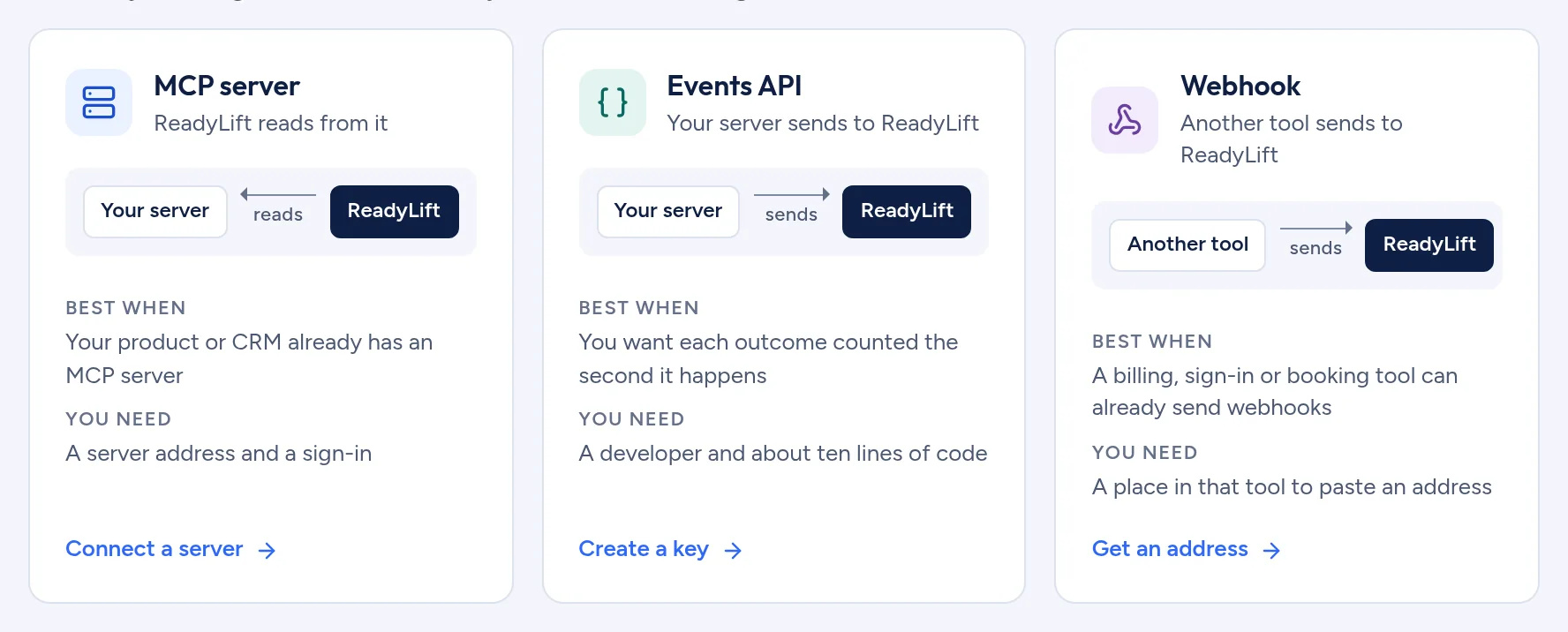
If a billing, sign-in or booking tool can already send webhooks, point it at ReadyLift. No code is needed on your side.
Three steps
- Get an address
- ReadyLift gives you an address and a signing secret to paste into the other tool.
- Map to outcomes
- The setup waits for the first request, or loads a sample. You map fields by clicking them in the request that arrived.
- Test and turn on
- Replay the first request through your mapping before the source counts anything.
Best when
A tool you already use can send webhooks, and you have a place in that tool to paste an address.
The same rules for every source
- Every event needs a Visit ID to be tied to an ad. The page tag creates it.
- An event with no Visit ID is stored and shown as Not from an ad.
- The same event arriving twice is counted once.
- An event that cannot be read is shown as Rejected, with the reason.
- Names, emails, document text and card details are dropped before anything is stored.
- Nothing counts until the source is turned on. A test never counts.
Works with
See what your ads are really buying
ReadyLift.ai is opening to a first group of SaaS and AI companies. Tell us where you advertise and we will be in touch.